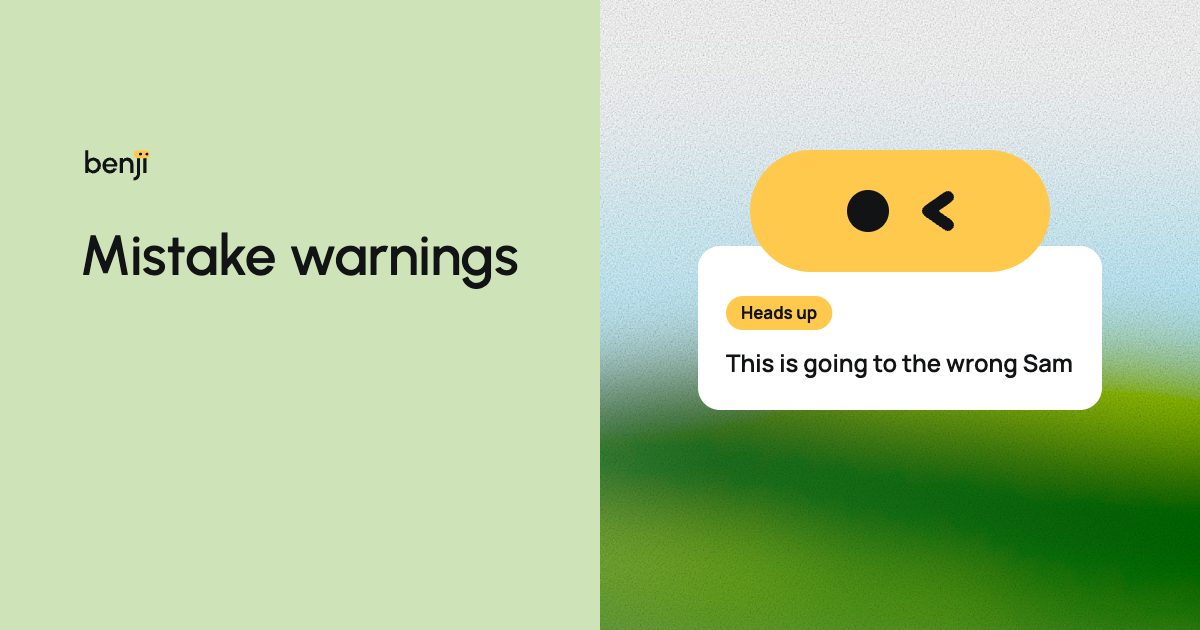
Catch an email to the wrong person before you press send
Most people have sent an email to the wrong person at least once: the autocomplete picked a different Sam, or the reply went to the whole thread. Benji is a desktop assistant that sees the message on your screen while you write it, and warns you before it goes out, not after.
The mistakes Benji warns you about
- The wrong recipient: a name that does not match the people the email is about, or a client who should not see an internal thread.
- The wrong sending account: your personal address on a work email, or one client mailbox answering for another.
- A missing attachment: the email says "attached" or "see the file" and nothing is attached.
- Figures to check: a number in the email that differs from the one in the document or the call it came from.
- A phishing email: a link or sender that does not match who the message claims to be from.
- The wrong Claude chat: a prompt about one client typed into the conversation for another.
How a Benji mistake warning works
Benji reads what is on your screen, so it works in Gmail, Outlook, Teams, Slack and the other apps you already use, without a plugin for each. When something looks wrong, a short warning appears next to the small Benji pill at the top of your screen, with the reason in one line.
Benji never sends, deletes or changes the email for you. You read the warning, fix the email or ignore it, and press send yourself.
Why a warning before sending beats undo send
Undo send gives you a few seconds after the click, and only if you notice the mistake in that time. A warning from Benji comes while the email is still a draft, with the reason spelled out, so you do not have to spot the mistake yourself.
Who Benji mistake warnings help most
Recruiters who write to many candidates with similar names, salespeople who send figures to clients, freelancers who work in several client accounts, and founders who answer email between calls. The cost of one wrong email in these jobs is a lost client or a leaked number.
Questions people ask
Does Benji read all my email?
Benji reads what is on your screen while Reading the screen is on, and the mail you choose to connect, read-only. You can pause it for 15 minutes or an hour, and you can see and delete what it remembers.
Can Benji stop an email from being sent?
No. Benji warns you and you decide. It never blocks, sends or deletes an email for you.
Which email apps does it work with?
Any email app you can see on your screen, including Gmail and Outlook in the browser or the desktop app, because Benji reads the screen rather than plugging into one app.