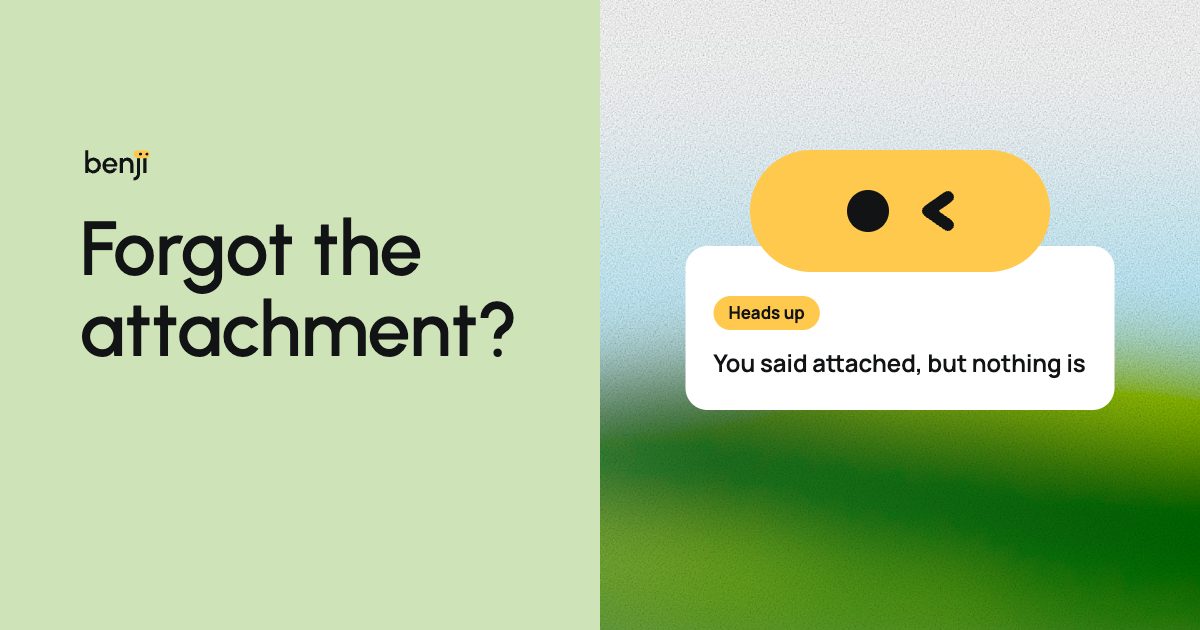
Forgot the attachment? How to follow up without fuss
If you forgot the attachment, the fix is a short follow-up, not an apology. Reply to your own email, attach the file and keep the message to one line. Then set up a reminder so the next "please find attached" really has something attached.
Follow-up wording that works
Reply to your own sent email rather than starting a new one, so the file stays in the same thread.
- "Here is the file I mentioned, attached this time."
- "Attaching the proposal, which missed the first email."
- "Now with the attachment."
Reminders that are built into email apps
Gmail and Outlook can remind you when an email mentions an attachment and has none. Check that the reminder is switched on in your app’s settings; the exact setting differs between versions.
Why built-in reminders still miss some
Built-in reminders look for words like "attached". They miss "here is the deck" or "see the contract below", and they do not know whether you attached the right version. Benji reads the whole draft on your screen, so it can warn you that the file is missing even when the email never uses the word "attached".
Questions people ask
Should I apologise for a missing attachment?
A short "attached this time" is enough. A long apology draws more attention than the mistake.
Can I add an attachment to a sent email?
No. Reply to the sent email with the file attached.
Does Benji attach files for me?
No. Benji warns you; you attach the file and press send.