A phishing email checker that warns you before you click
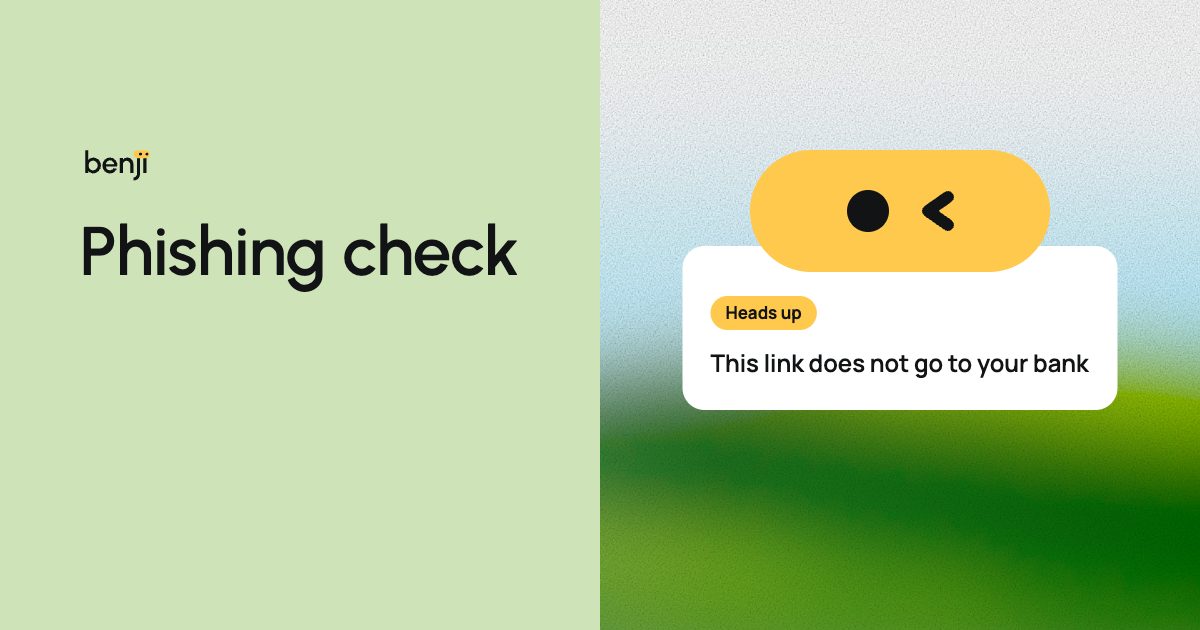
A phishing email checker is only useful if you think to use it. Benji sees the email you are reading, so it can warn you about a suspicious sender or link without you copying anything into a website.
What Benji looks at in a suspicious email
- A sender whose address does not match the company in the name.
- A link whose real address differs from the text you see.
- A request for a password, a payment or a change of bank details.
- Pressure to act fast, such as an account about to close.
What happens when Benji warns you
A short warning appears next to the Benji pill, with the reason. Benji does not delete or move the email. Check with the sender through a channel you already trust, and report the email through your email app if it is phishing.
A second pair of eyes, not a security product
Benji is an assistant, not an email security filter. Keep your email provider’s protection on; Benji adds a warning at the moment you read the email.
Questions people ask
Does Benji catch every phishing email?
No tool catches every one. Benji adds a warning when it sees common signs, and you should stay careful with any unexpected request for money or passwords.
Does Benji click links to test them?
No. Benji reads what is on the screen; it does not open links in suspicious emails.
Does it work in Outlook and Gmail?
Yes, in the app or the browser, because Benji reads the screen.